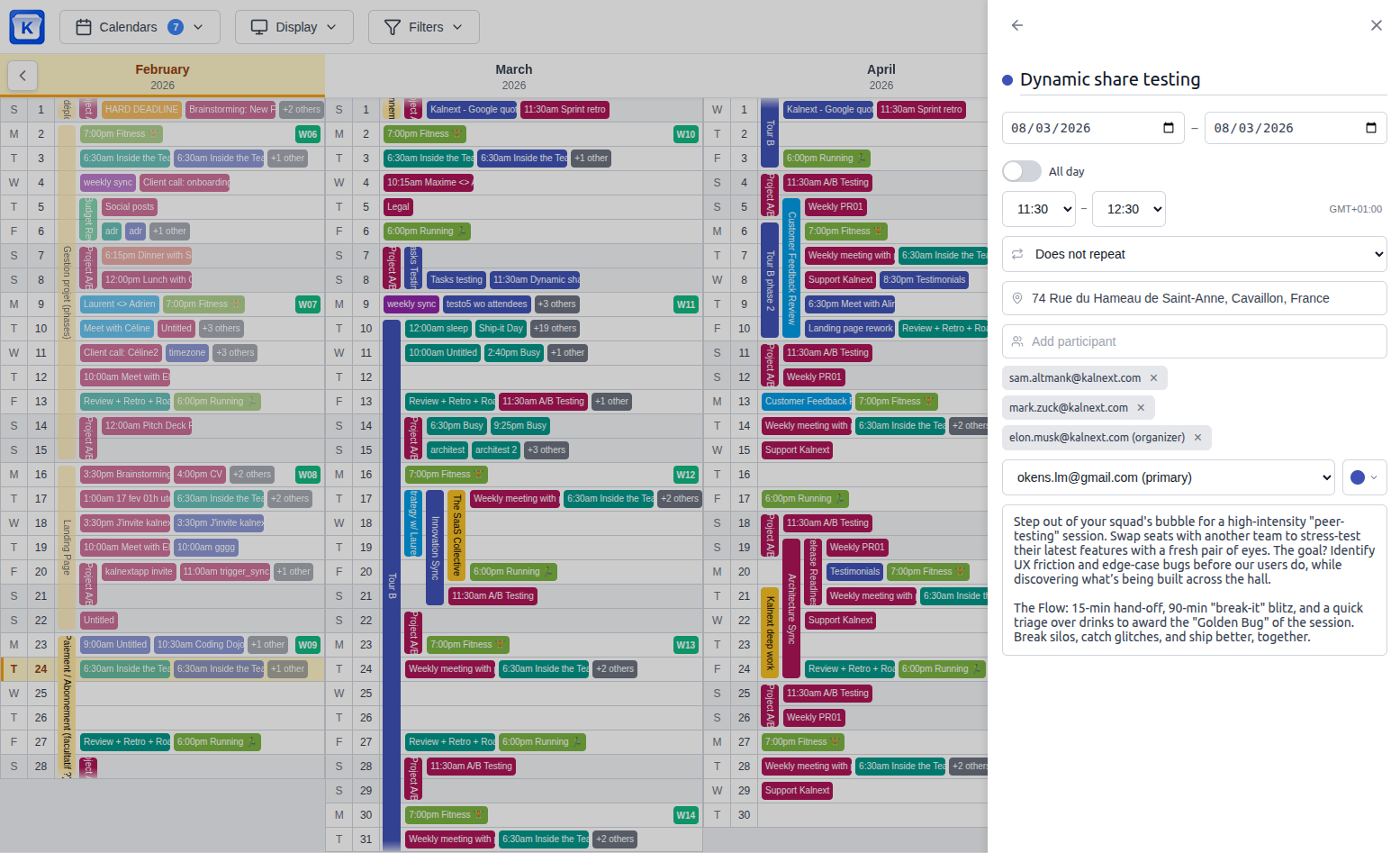
v1.8.0 Task Integration & Advanced Planning
📋 Tasks & New Side Panel
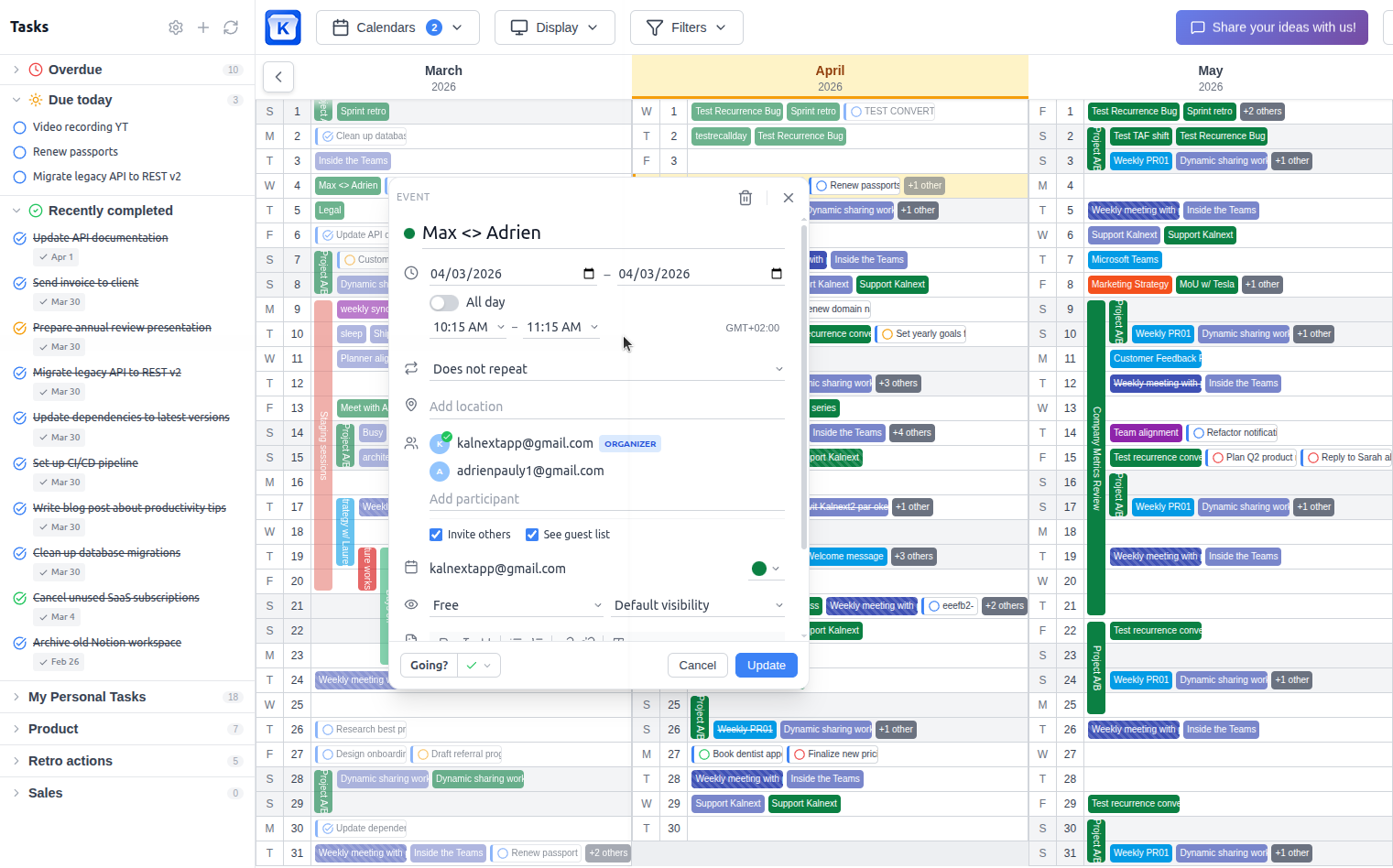
Google Tasks Integration: Say hello to the new Task Side Panel! You can now import your Google Tasks lists and manage both tasks and subtasks directly within Kalnext without switching views.
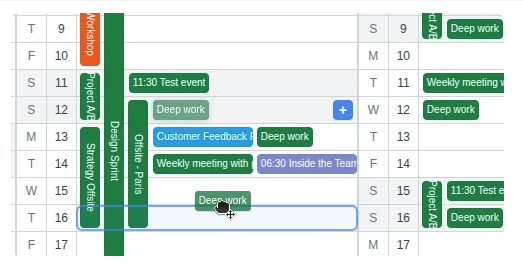
Drag & Drop Scheduling: Organize your day by dragging tasks from the side panel directly onto your planner to set their scheduled date.
Task "Augmentation": Take your productivity further by assigning specific durations and importance levels to your Google Tasks—features not natively available in Google.
Note: A new Google permission is required to sync and reschedule tasks/events. Please head over to your Settings to grant it.
📅 Events
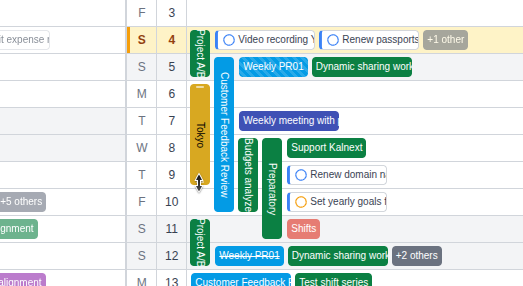
Multi-day Resizing: In addition to drag-and-drop rescheduling, you can now resize multi-day events directly on the planner to change their duration instantly.
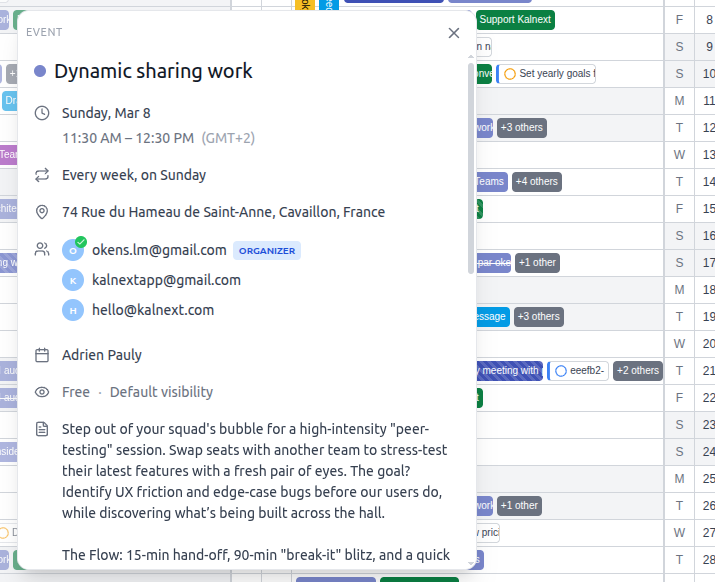
Core Event Engine Overhaul: A major redesign of how events are displayed and edited to provide a significantly smoother and faster user experience.
🗓️ Planner
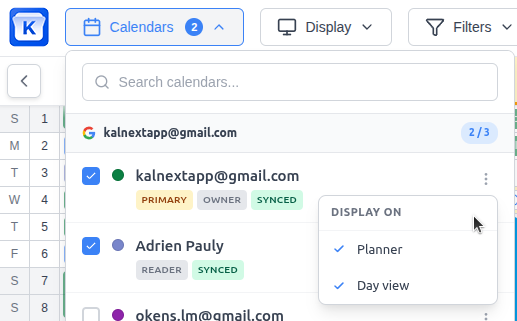
Granular Visibility: You can now toggle whether events from a specific calendar appear on the main planner, the day detail view, or both.
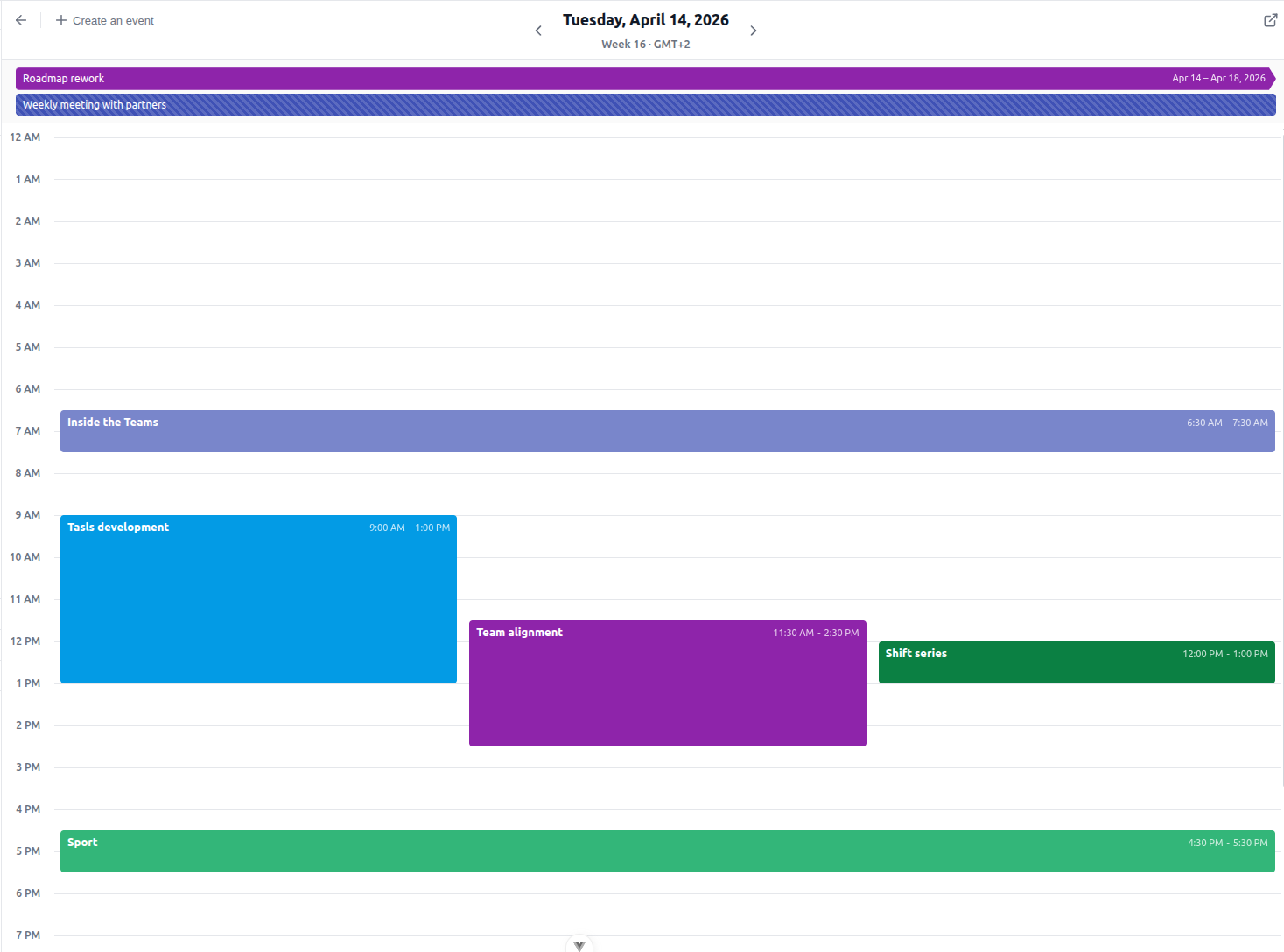
Immersive Day Detail: The day detail view now opens in full-screen mode to provide a cleaner, distraction-free workspace.
🛠️ Bugfixes
Event Management: Fixed various minor bugs and edge cases related to event creation and modification for a more stable experience.