v1.8.1 Sharing, Display & Day View
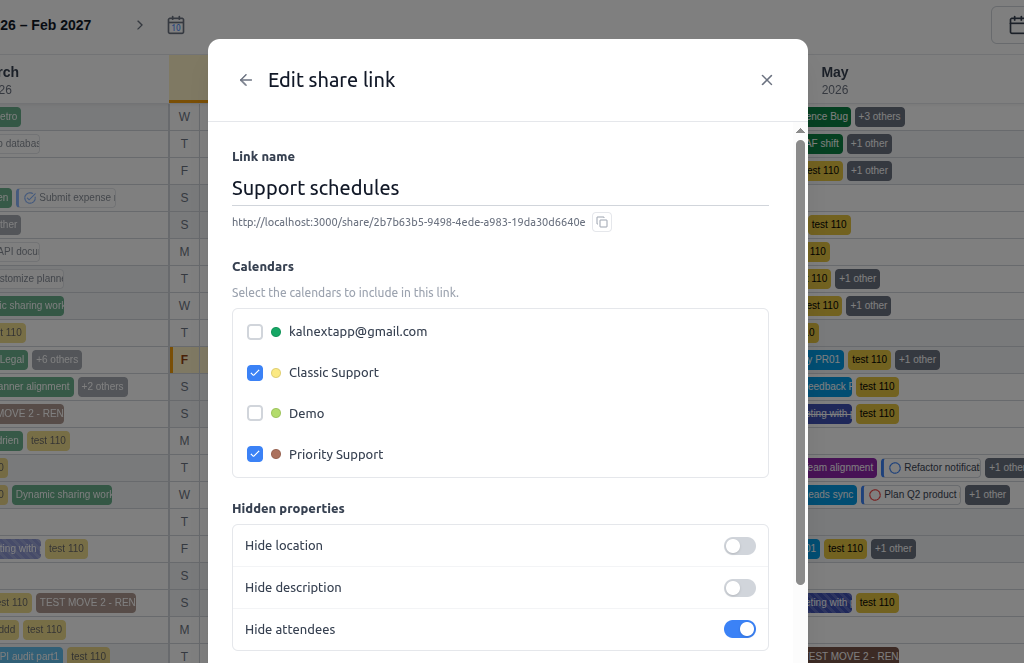
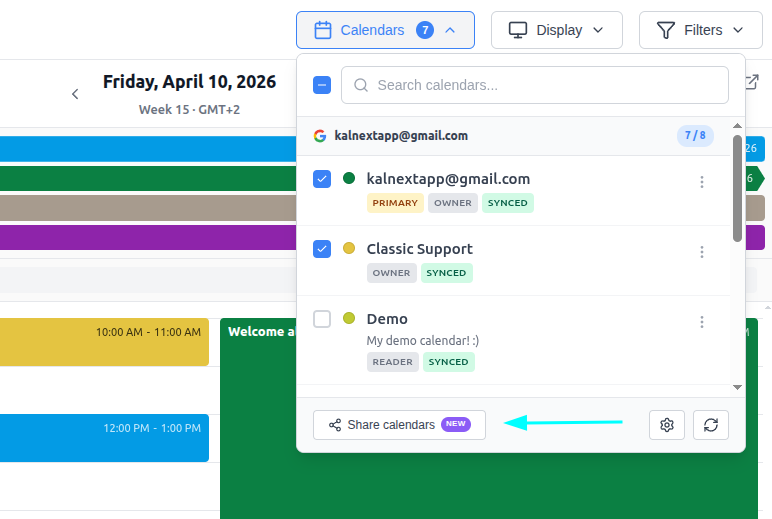
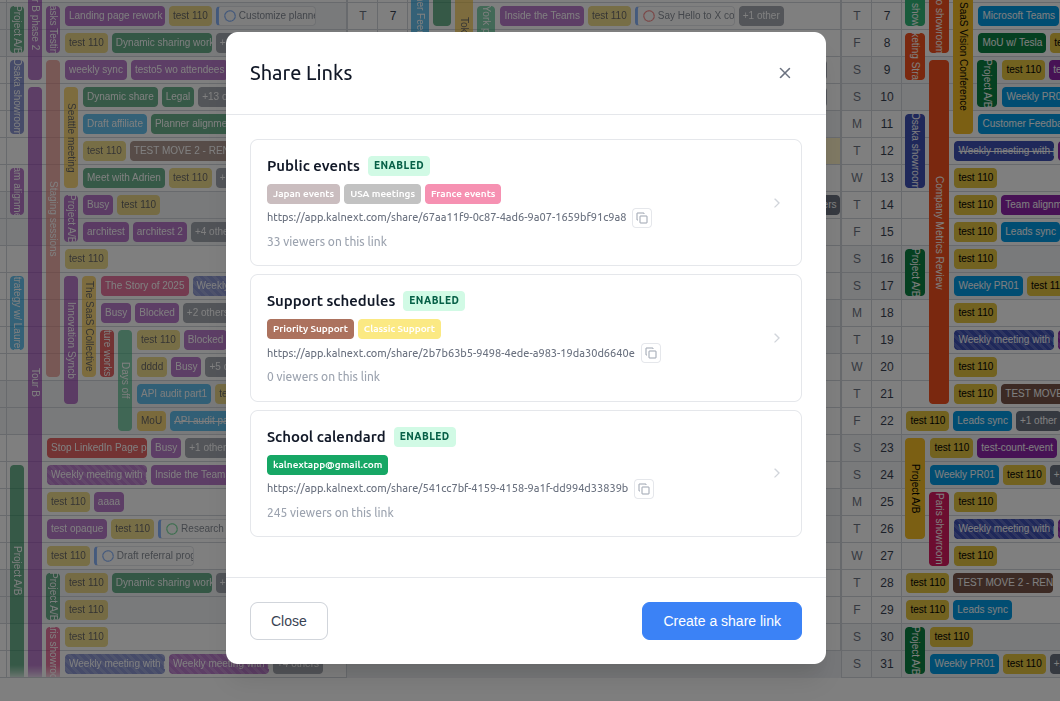
🔗 Dynamic Sharing (Starter plan and above)
Share your calendars with a single link
Introducing Dynamic Share Links! Generate a unique public link for any combination of your calendars. Recipients see an always up-to-date, read-only view of your schedule, no account required. Learn more
🖥️ New Layout
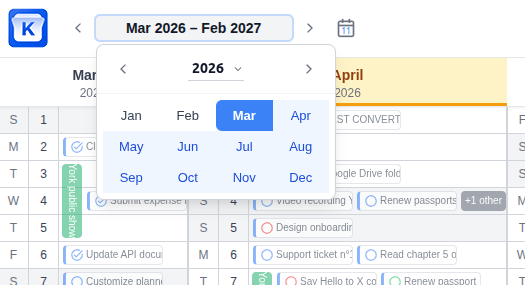
A redesigned interface for a smoother experience
The layout has been reworked to keep you focused on what matters. User profile and support now live in the left sidebar, while calendar management and planner options are accessible from the top-right toolbar. Navigating across months and years is also much faster, making it easier to jump to any date in your planner.
Collapsible task panel
The task panel can now be collapsed to give your planner more room. Expand it whenever you need it, hide it when you don't.
👁️ Calendar Display
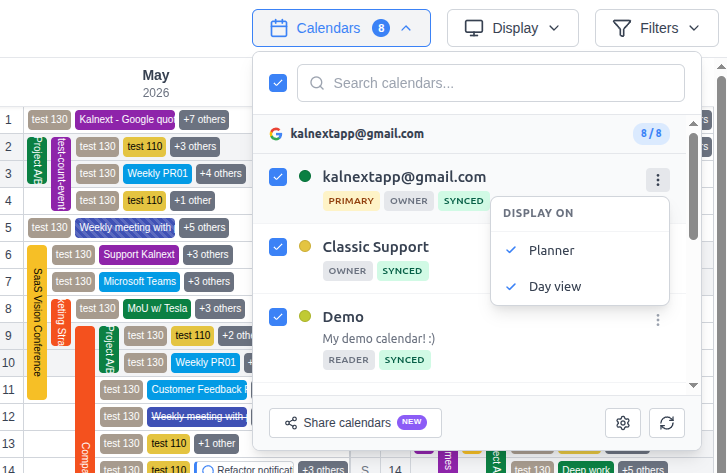
Toggle calendar visibility per view
You can now choose to display a calendar on the planner, the day view, or both. Fine-tune exactly what you see, where you see it.
📅 Day View
Create & resize events with drag and drop
You can now create events in the day view by dragging on an empty time slot, and resize existing events by dragging their edges, all without opening any form.